Auphonic is now available in n8n!
n8n is a workflow automation platform that lets you connect APIs and services with little or no coding.
Our new verified Auphonic community node brings
Auphonic Productions into n8n:
start a production from any workflow, react when a production has finished,
and route the resulting output files to wherever they need to go.
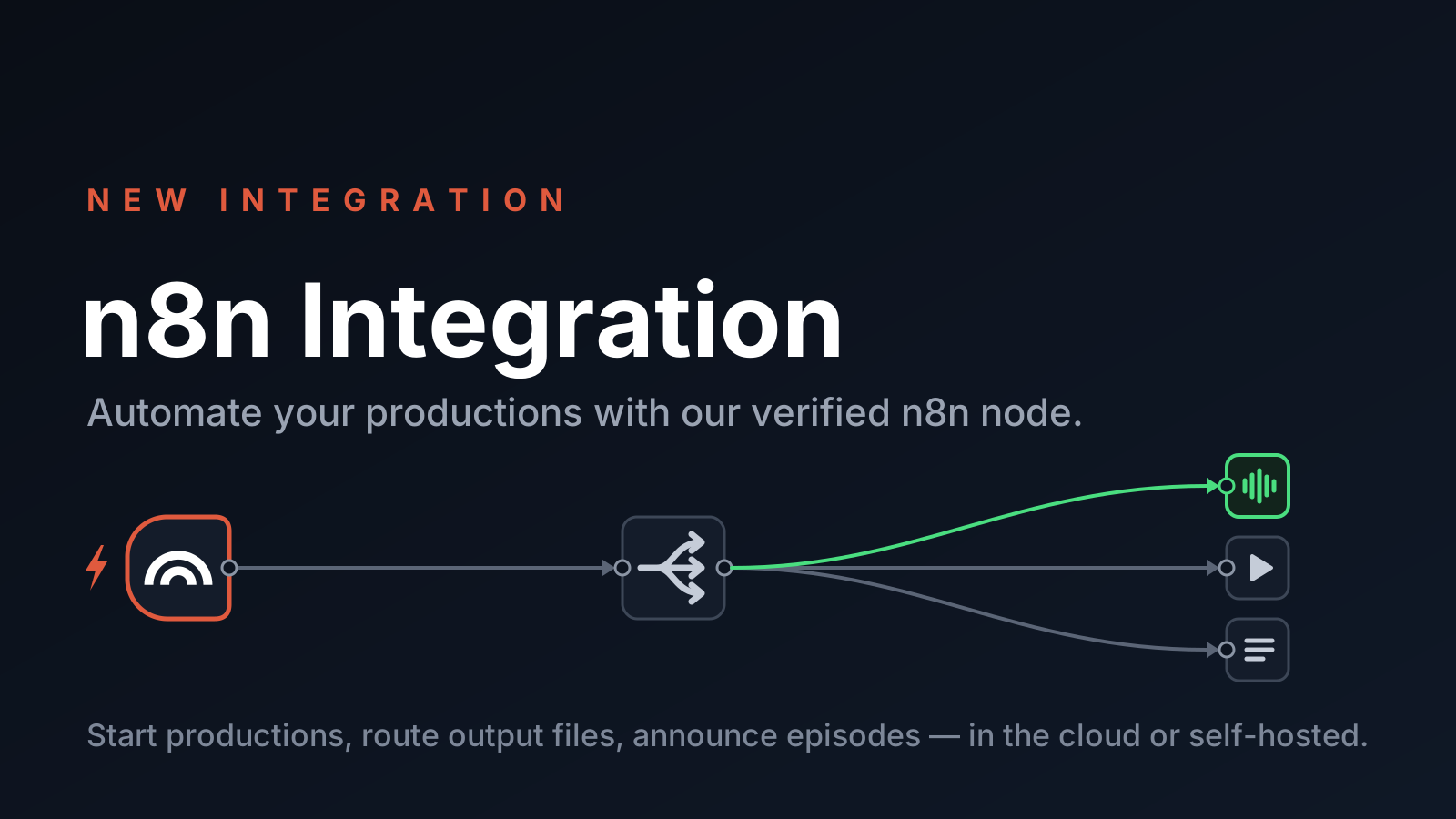
Why n8n?
Many of you already automate Auphonic with our Zapier integration, the Auphonic API, or the Auphonic CLI. In n8n, you build workflows visually by connecting nodes, and they can branch on your data — for example, to handle each output file of a production differently — without writing any code.
n8n is available as a cloud service and can also be self-hosted, so unlike with Zapier, you can run your podcast automation entirely on your own infrastructure.
What the Auphonic Node Can Do
The package installs two nodes, which work with your Auphonic Presets. The preset defines all audio algorithms, output file formats and External Services of a production, so your n8n workflows stay simple:
- The Auphonic node creates productions from a preset and an input file — either a public URL or a file from a previous node in your workflow — and optionally sets the title, metadata, chapters and cover image. It can also fetch the details of a production and download output files as binary data for further processing.
- The Auphonic Trigger starts a workflow as soon as a production has finished. It watches one of your presets, so you can use one preset (and one workflow) per show. The trigger delivers the complete production including all output files, metadata and chapters, and also fires for failed productions, in case you want to get notified.
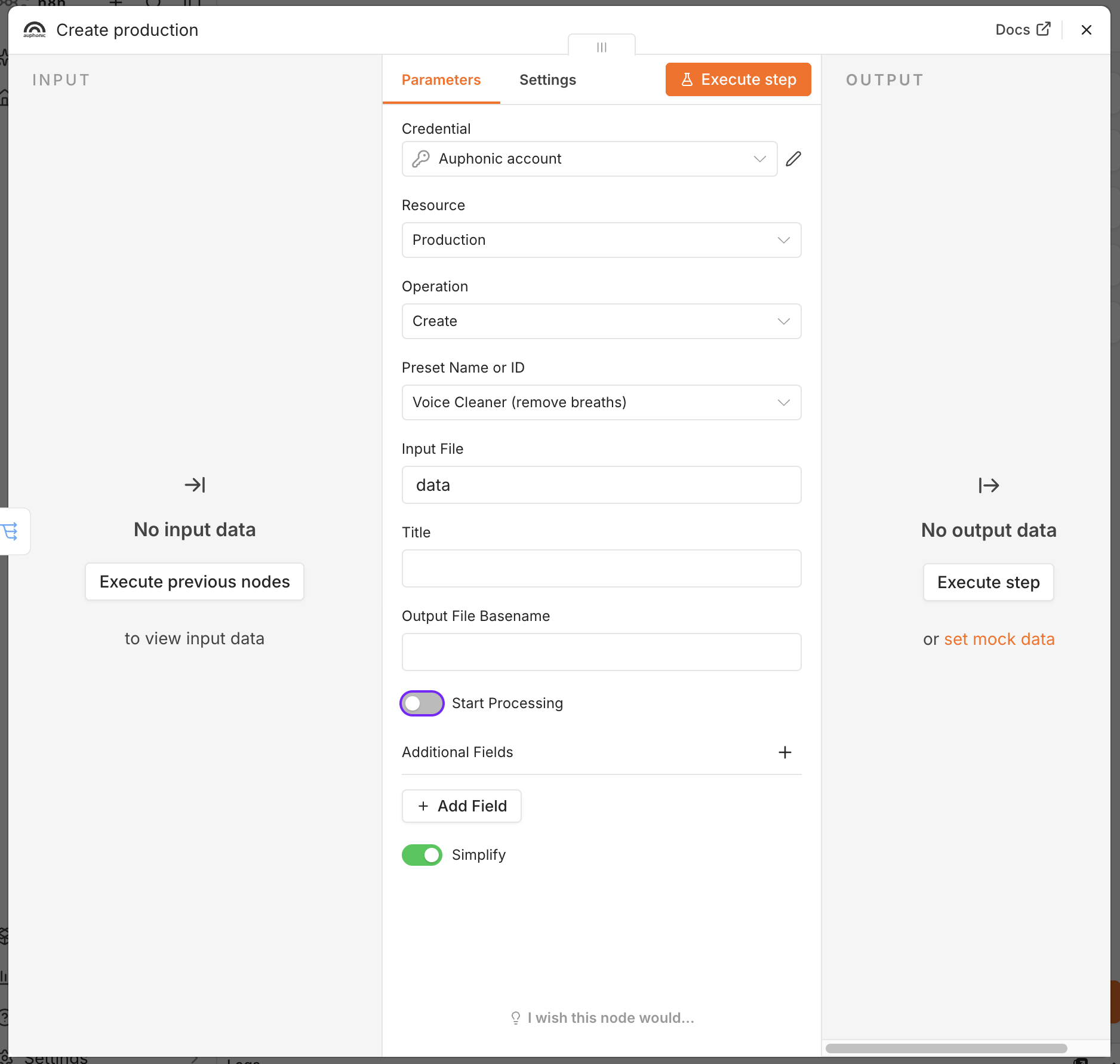 Creating a production from a preset. With Start Processing disabled, the production is created as a draft.
Example Workflows
Here are a few ideas of what you can build with the Auphonic node:
- Your own watch folder: start a production automatically whenever a new recording shows up — in Google Drive or Dropbox, from a Zoom meeting, or from any other n8n node. If all you need is a single cloud storage folder, our built-in Watch Folders cover this directly in Auphonic.
- Route output files: a finished production usually has several output files, for example an MP3, a video and a transcript. Split them into one item per file, branch on the file format, and send each file to its destination: cloud storage, your podcast host, YouTube, an email or a Slack message.
- Announce a new episode: post to social media, create a blog post, add a row to a spreadsheet, or notify your team on Slack, Matrix or Discord — using the title, description, chapters and status page link of your production.
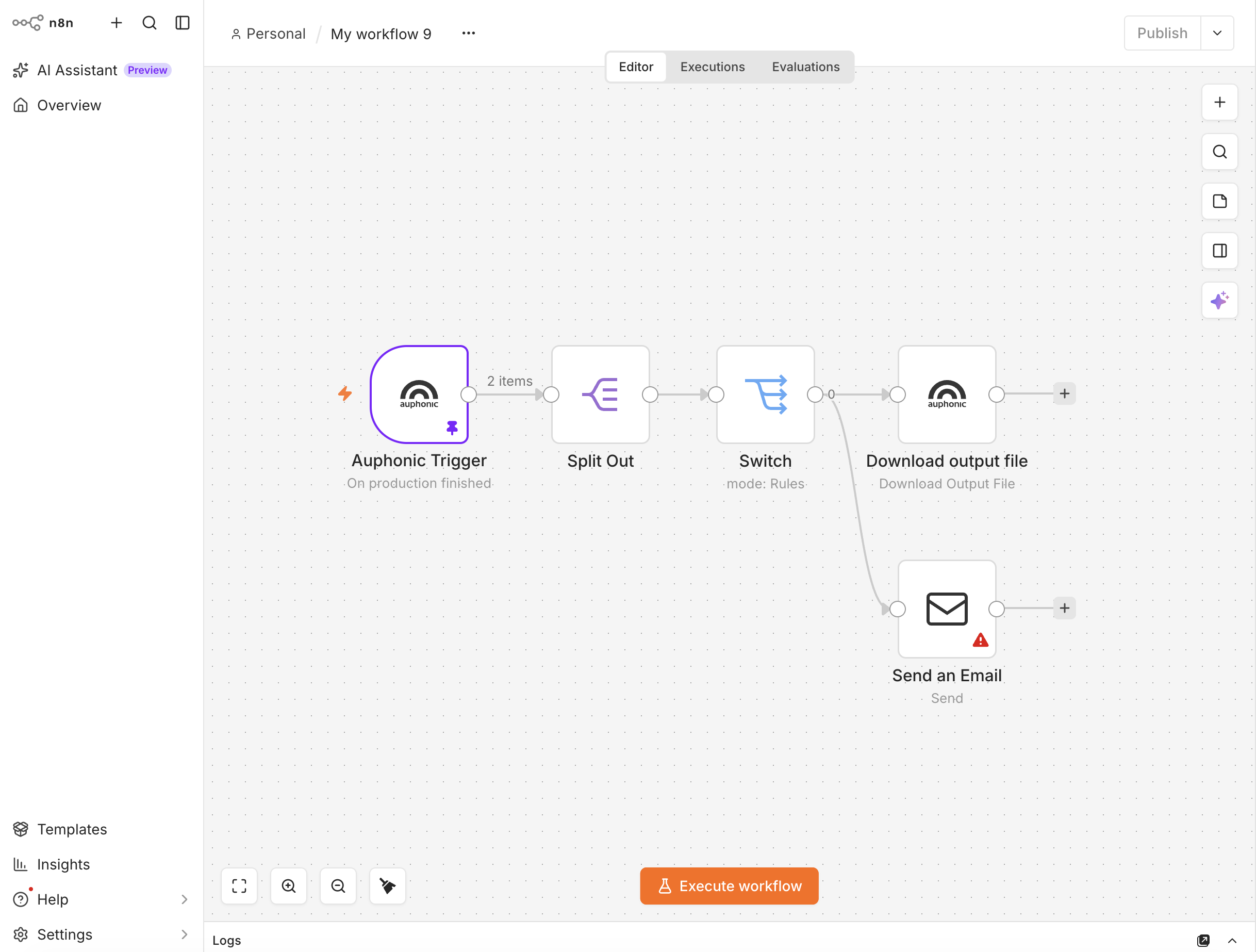 A complete workflow: the Auphonic Trigger fires when a production is finished, Split Out creates one item
per output file, and Switch routes them to a download or a notification.
A complete workflow: the Auphonic Trigger fires when a production is finished, Split Out creates one item
per output file, and Switch routes them to a download or a notification.
Many publishing targets are already available as External Services in Auphonic. If your preset can upload the result directly, let Auphonic do it, and use n8n for everything else: notifications, spreadsheets, internal tools, or human transcription services.
Get Started
- In n8n, go to Settings > Community Nodes, click Install and enter the package name n8n-nodes-auphonic (see Installation).
- Create an API key on your account settings page and add it as Auphonic API credentials in n8n. Once connected, your presets show up in the Auphonic nodes.
- Add the Auphonic node or the Auphonic Trigger to your workflow, select a preset, and you are ready to go!
Tip: To try out a workflow without spending any credits, disable Start Processing. The productions then show up as drafts in your Auphonic account, and as long as they are not started, they do not cost any credits.
For all operations, parameters and step-by-step example workflows, please see our detailed n8n Integration help page. You can also find the Auphonic nodes in the n8n integrations directory (Auphonic, Auphonic Trigger), and the source code on GitHub.
Feedback
We are curious which workflows you build with Auphonic and n8n! If you have feedback, questions, or ideas for new features, please contact us, write to support@auphonic.com, or open an issue in the GitHub issue tracker.